Turn handwritten manuscripts into searchable text.
Transcribe takes images of handwritten documents — letters, court records, journals — and produces a rough first-pass transcription. You verify and finish each page in a side-by-side editor, then export. Pages run in parallel, so a project of hundreds finishes in one batch instead of one at a time.
Get started
Free to sign up · pay per page transcribed
Loading...
How Transcribe prepares a page
before transcription.
Transcribe runs three preparation steps on each page: detect where the writing is, decide whether it's one page or two, and divide each page into distinct tiles. The transcription model then reads one tile at a time.
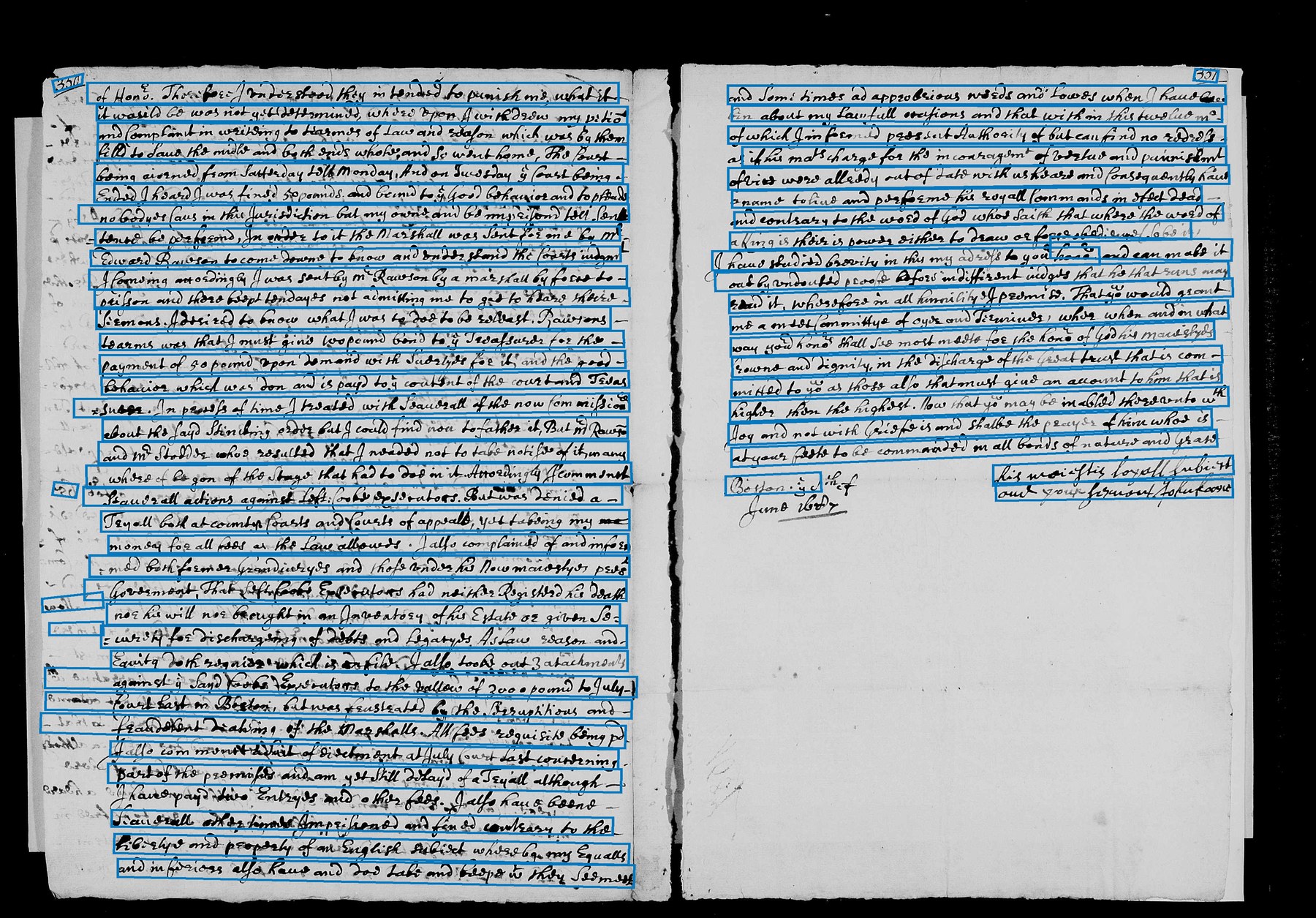
Detect the lines of writing.
Transcribe sends the image to a computer-vision service, which returns a list of quadrilaterals — one per detected line of writing. These boxes mark where the handwriting is on the page; they are not the final transcription.
- Input1 image · arbitrary size
- ServiceAzure Read API
- Returns84 lines · 4-corner polygons
- Carriesrough transcription, used as hints downstream
- Skipsblank margins · calibration cards
- Sometimes missesfaint pencil · heavy bleed-through · tightly overlapping cursive
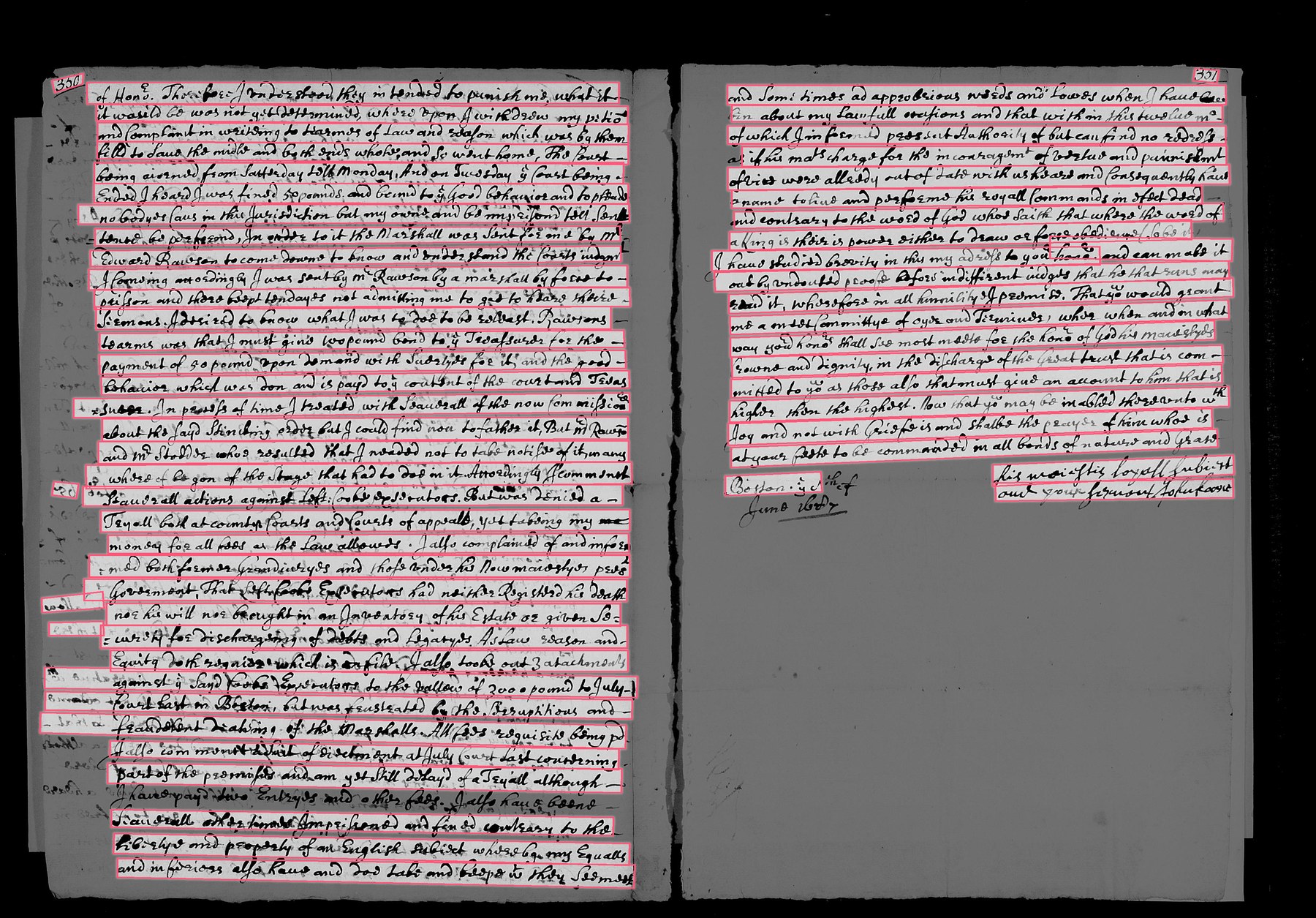
Determine whether the image is one page or two.
For each vertical slice of the image, Transcribe counts how many detected lines pass through it. A single page produces a roughly flat profile. A two-page spread produces a deep valley at the gutter. Six checks must all pass before the image is split; otherwise it is treated as a single page.
- Signalx-crossings count per column
- Checks6 / 6 must pass
- Thresholdvalley depth ≥ 60% · balance ± 15%
- On splitcut at gutter · pages processed independently
- On misstreat as one page · no harm done
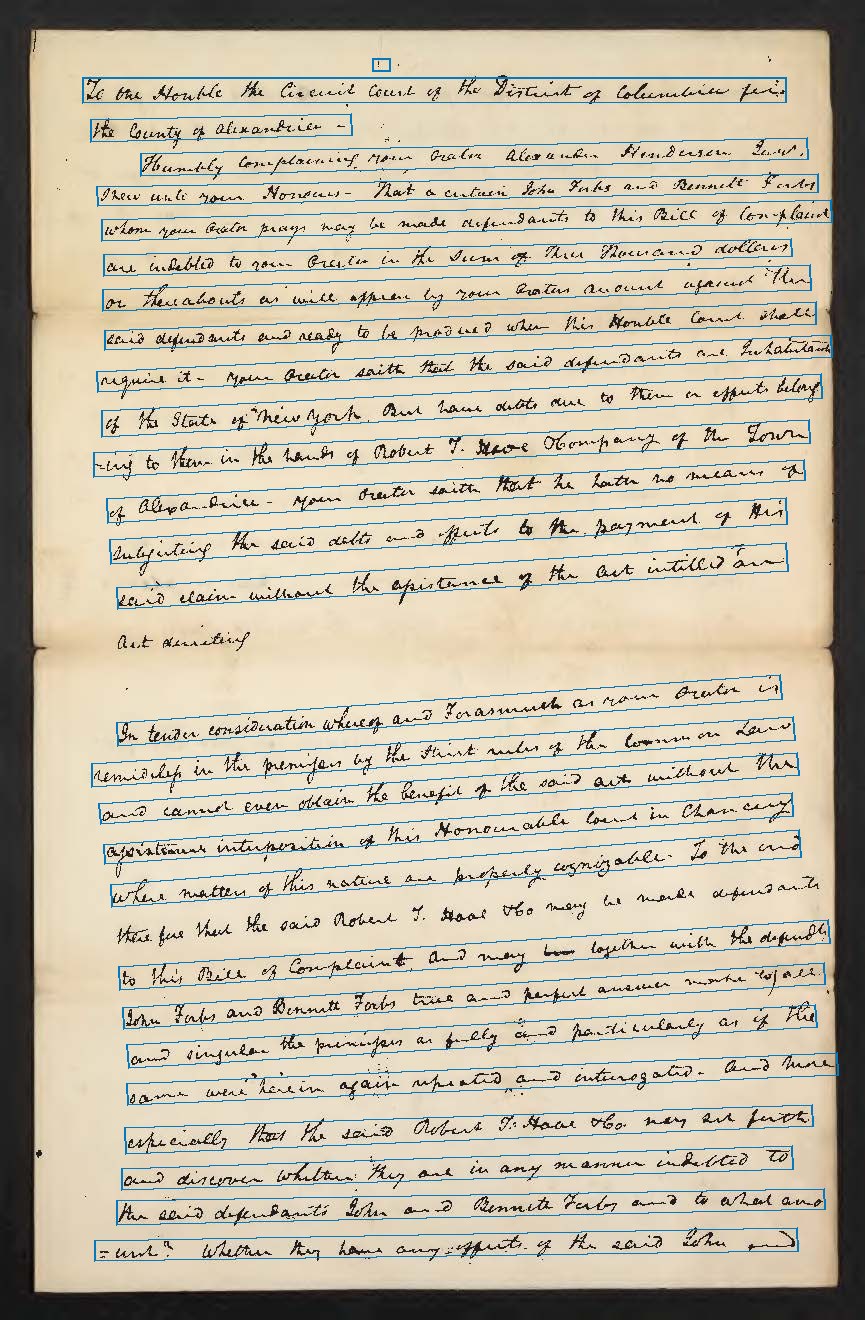
Divide each page into tiles.
Every pixel of the page is assigned to a tile. The number of tiles is chosen so each one contains roughly 150 words, with a maximum of three tiles per page. This ensures full coverage — even ink the line detector missed still reaches the transcription model.
- Target~150 words per tile
- Range1 – 3 tiles per page (hard ceiling)
- Prefersnatural column / row breaks
- Falls back toeven vertical bands
- Ensuresfull coverage · nothing thrown away
What the model receives.
Each tile is sent to the transcription model as a separate image, with metadata about which page and region it came from. The results are stitched back together in order. This method multiplies the tokens the LLM processes per page.
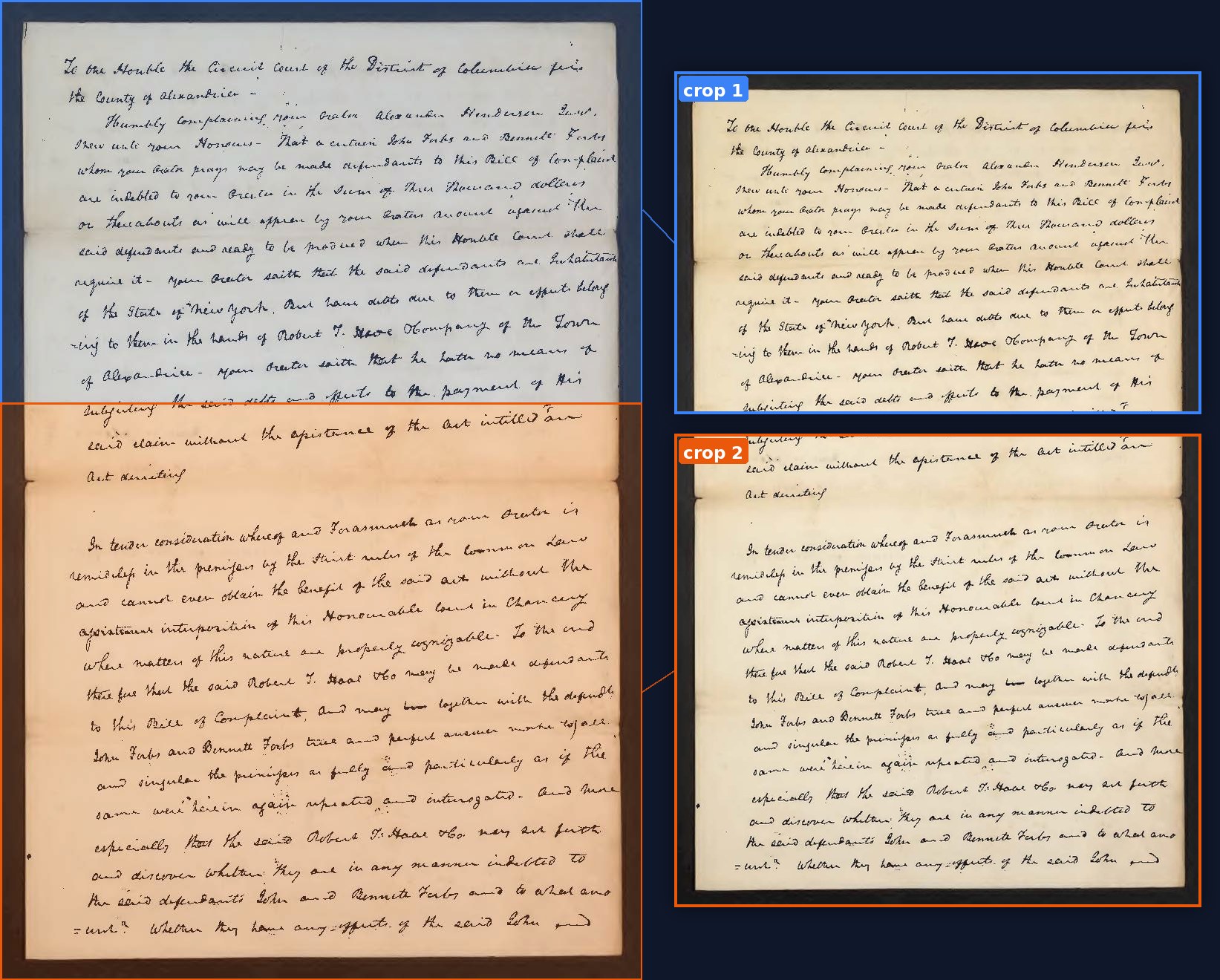
To the Honble the Circuit Court of the District of Columbia
for the County of Alexandria —
Humbly complaining your Orator Alexander Henderson Esq.
sheweth unto your Honours — That a certain John Forbes and
Bennett Forbes, whom your Orator prays may be made
defendants to this Bill of Complaint, are indebted to your
Orator in the sum of Three Thousand dollars or thereabouts
as will appear by your Orators account
Run a project at once.
Upload a folder of pages and process them as a batch. Pages run in parallel and progress is shown live. Batch transcription is priced lower per page than one-off uploads.
Edit the transcription beside the image.
Each page opens in a split-pane editor. Pan and zoom the image on one side, edit the text on the other. Save changes, mark the page verified, or copy the text out.
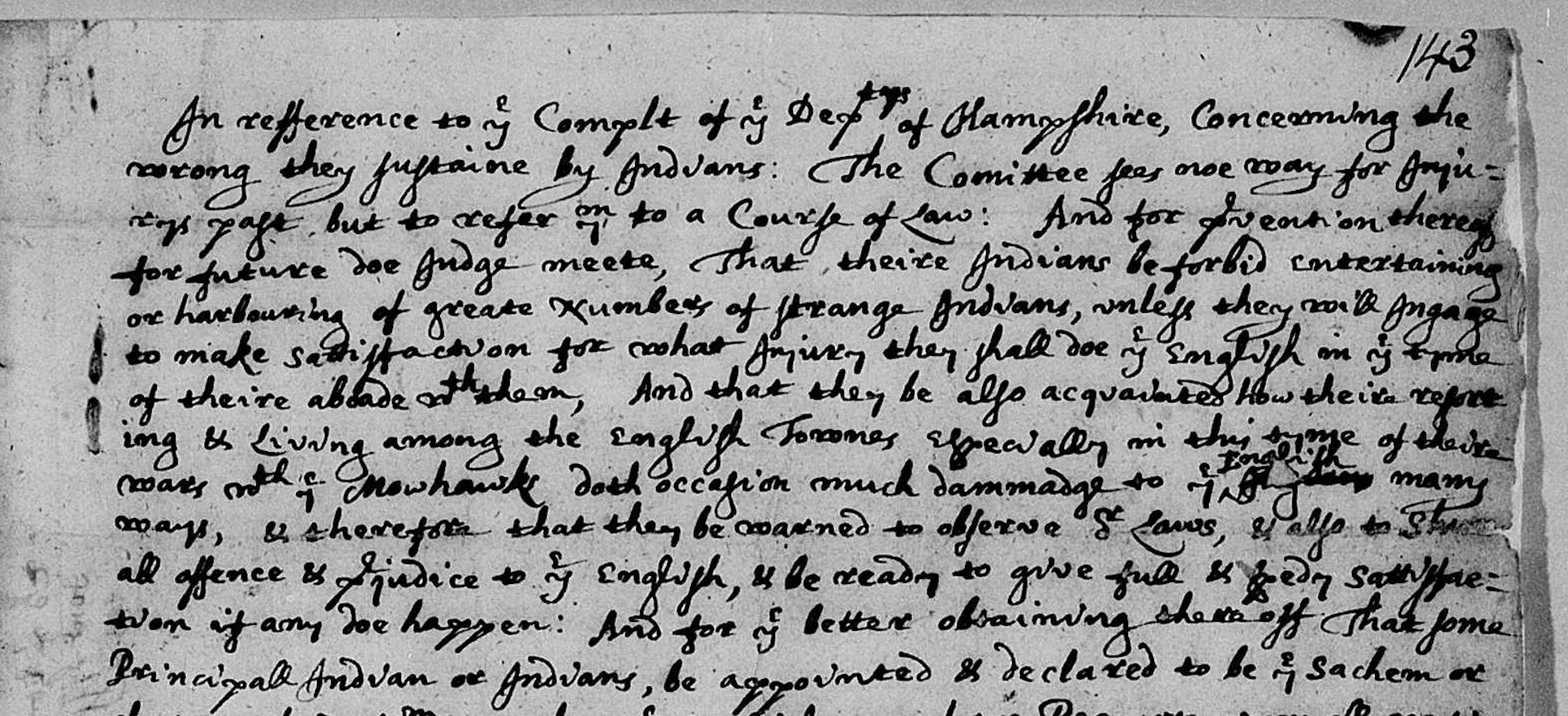
What works well — and what's less reliable.
Image quality is the biggest predictor of how much editing each page will need. A clean 300+ dpi scan typically needs light corrections.
- 300+ dpi scans
- Even lighting, no glare
- Flat pages — no curl at the spine
- A single hand throughout
- English / Latin script
- Modest marginalia
- Phone snapshots at an angle
- Faded pencil
- Tightly packed cursive
- Severe bleed-through
- Multiple hands on one page
- Heavily annotated or crossed-out text
- Non-Latin scripts
Export as .txt, .docx, or .pdf.
Choose a format, choose a page range, and optionally include the source images. PDF exports include a cover page and one section per page.